
Video meetings
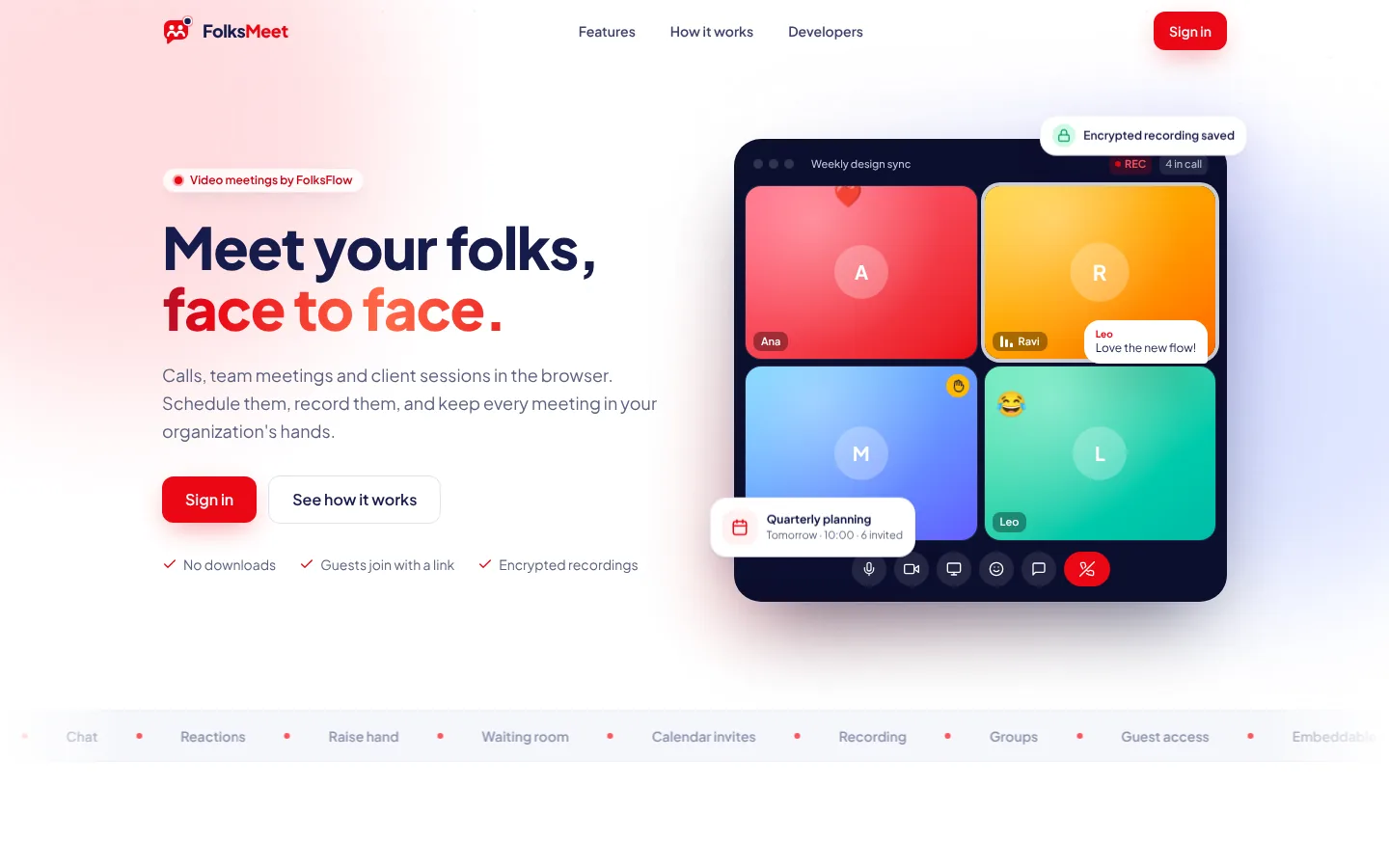
Meet your folks, face to face.
Calls, team meetings and client sessions in the browser. Schedule them, record them, and keep every meeting in your organization's hands.
- No downloads
- Guests join with a link
- Encrypted recordings
Features
From a quick call to a client meeting
Calls in one click
Ring a teammate for a 1:1, or start a meeting and share the link. It runs in the browser, with no downloads.
Scheduling that lands in calendars
Plan meetings, invite people or whole groups, and everyone gets a calendar invite that stays up to date.
Waiting room and host controls
Guests wait until you admit them. Mute everyone, turn cameras off, lock the room or remove someone.
Recordings you can find
Record, pause and resume. Recordings are encrypted and kept in your library, ready to play or share.
Built for organizations
Admins, members and external guests each get the right permissions. Invite in bulk and organize people into groups.
An API for your product
Schedule meetings, manage people and embed a meeting in your own portal with secure join links.
How it works
Up and meeting in three steps
- STEP 01
Set up your organization
Your admin gets a FolksMeet workspace with your own settings, mail server and permissions.
- STEP 02
Invite your folks
Add teammates directly, or send invites to colleagues and clients. Each person sets their own password.
- STEP 03
Meet with a link
Start now or schedule for later. People join from any modern browser, on desktop or mobile.
For developers
Put meetings inside your own product
A REST API with scoped keys lets your systems schedule meetings, onboard people and drop a live meeting into your portal.
- Schedule, move and cancel meetings, with invites sent for you
- Add people, send invites and manage groups
- Create secure join links and embed the meeting in an iframe
Your next meeting is one link away
Sign in with the account your organization gave you, or open an invite link to get started.
Support & engage and more
More from the Folks family

RelysHub
Help desk
Every request, relayed to the right person.
RelysHub gives each organization its own branded portal, website widget and real-time agent desk, with SLA automation and analytics built in.
View RelysHub→
FLOW
AI website assistant
An animated AI assistant that answers from your business data.
FLOW puts an animated assistant on your website that answers visitors in text and voice, using only your own documents, web pages and notes. Set it up in minutes, with no code beyond one line.
View FLOW→
FolksFlow
Projects, HR & payroll
Your people, projects and payroll, in one flow.
FolksFlow connects tasks, timers, timesheets, attendance, leave and payroll, so every hour your team works turns into a plan, a payslip and a profit number. On your own private cloud.
View FolksFlow→