
AI website assistant
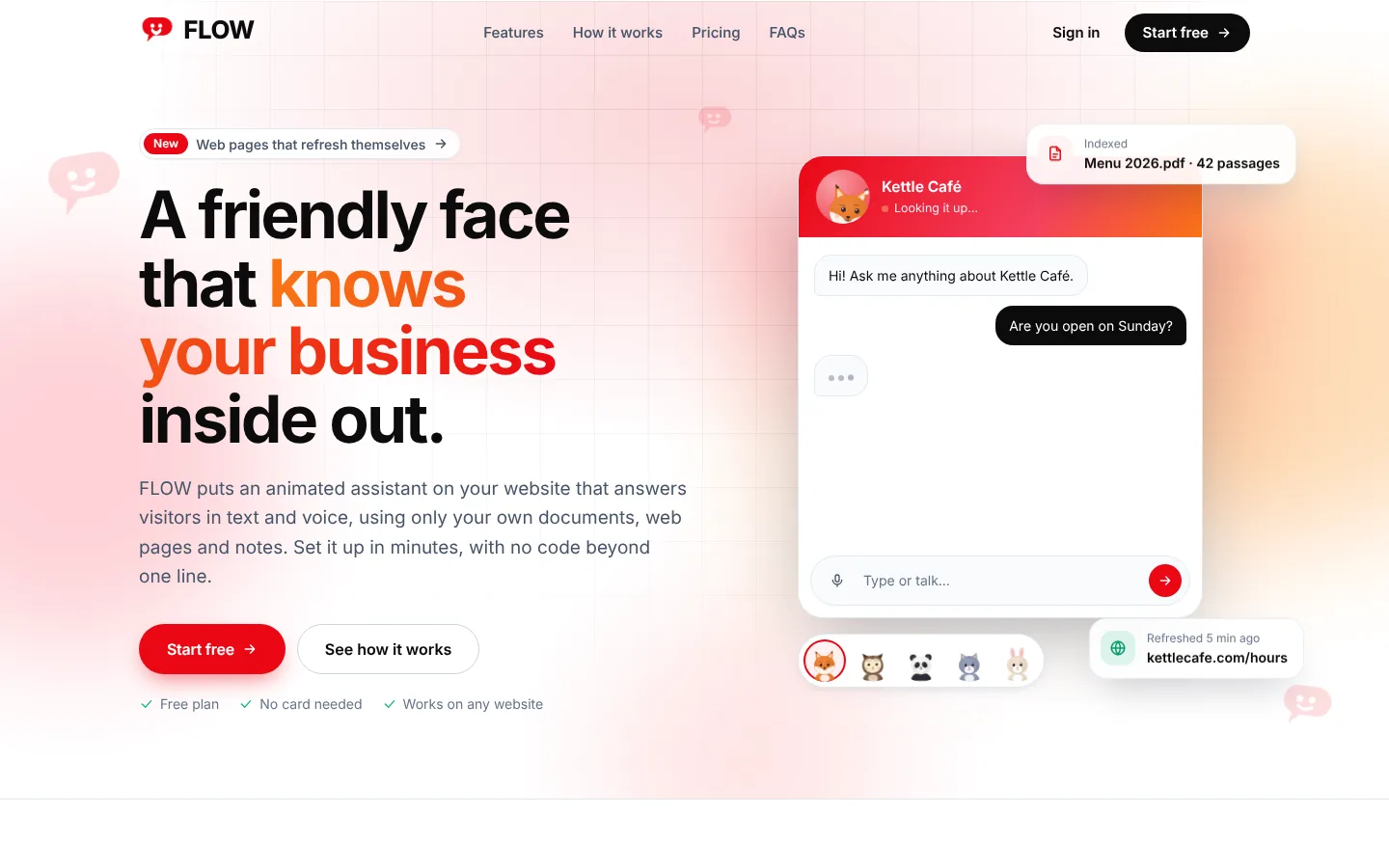
A friendly face that knows your business inside out.
FLOW puts an animated assistant on your website that answers visitors in text and voice, using only your own documents, web pages and notes. Set it up in minutes, with no code beyond one line.
- Free plan
- No card needed
- Works on any website
Features
Everything a small business needs to answer customers around the clock
Answers only from your data
FLOW searches the documents, pages and notes you add and answers from them. Off-topic questions get a polite no instead of a made-up answer.
Drop in what you already have
PDF, Word, text, CSV, images and audio. Write a quick note or record a voice memo straight from the dashboard.
Web pages that stay fresh
Add your site's pages by URL and pick how often to re-fetch them, from every few minutes to monthly.
Talks and listens
Visitors can type or speak. Replies stream in as text and are read aloud by an avatar whose mouth moves with the words.
Shows pictures, builds PDFs
Matching product photos appear in the chat, and visitors can ask for a neat PDF of the answers to take away.
Your brand, your animal
Pick a fox, cat, panda, bunny or owl, then set colours, corner radius, position, launcher text and light or dark mode.
One line to install
Paste a single script tag into any site, or use the WordPress plugin. It runs in its own frame, so your site's styles stay untouched.
Self-hosted or cloud AI
Runs on a self-hosted open model by default. Plans that allow it can switch a bot to OpenAI or Anthropic for faster, richer answers.
Built for teams
Invite teammates to manage bots and knowledge, read past conversations, and keep an eye on usage against your plan.
How it works
Live on your site in three steps
- STEP 01
Create a bot
Name it, tell it what your business does, and choose its animal and colours.
- STEP 02
Add your knowledge
Upload files, paste URLs or write notes. FLOW reads and indexes them in the background.
- STEP 03
Paste one line
Copy the embed snippet into your site. Your assistant is live for every visitor.
Give your website a voice today
Create your assistant, add what you know, and paste one line.
Support & engage and more
More from the Folks family

RelysHub
Help desk
Every request, relayed to the right person.
RelysHub gives each organization its own branded portal, website widget and real-time agent desk, with SLA automation and analytics built in.
View RelysHub→
FolksMeet
Video meetings
Video meetings for your folks, right in the browser.
Calls, team meetings and client sessions in the browser. Schedule them, record them, and keep every meeting in your organization's hands.
View FolksMeet→
FolksFlow
Projects, HR & payroll
Your people, projects and payroll, in one flow.
FolksFlow connects tasks, timers, timesheets, attendance, leave and payroll, so every hour your team works turns into a plan, a payslip and a profit number. On your own private cloud.
View FolksFlow→